RV Internet: How to Stay Connected on the Road
Start With How You Actually Use the Internet
Before comparing internet options, figure out what your connection actually needs to support. Checking email and browsing maps requires very little bandwidth. Video calls, live streaming, or uploading large files require a stronger and more consistent connection.
Think through a few basics:
- How many devices will be online at once, and will several be used heavily at the same time?
- Do you need to be reachable for real-time video calls, or is delayed communication fine?
- Are you working remotely with deadlines, or mostly using the internet for entertainment and staying in touch?
Your answers will point you toward how much redundancy and speed you actually need, rather than what a provider's marketing suggests you need.
Cellular Data: Hotspots and Dedicated Plans
For most RVers, cellular data is the primary connection. This can come from a phone acting as a hotspot, a dedicated hotspot device, or a router built for vehicle use with an external antenna.
Cellular coverage depends entirely on the carrier's network in the specific area you're parked, not on the device itself. This is why many full-time travelers carry plans from more than one carrier — if one network is weak in a given location, the other may still work. No single carrier has strong coverage everywhere, especially in mountainous or heavily forested terrain.
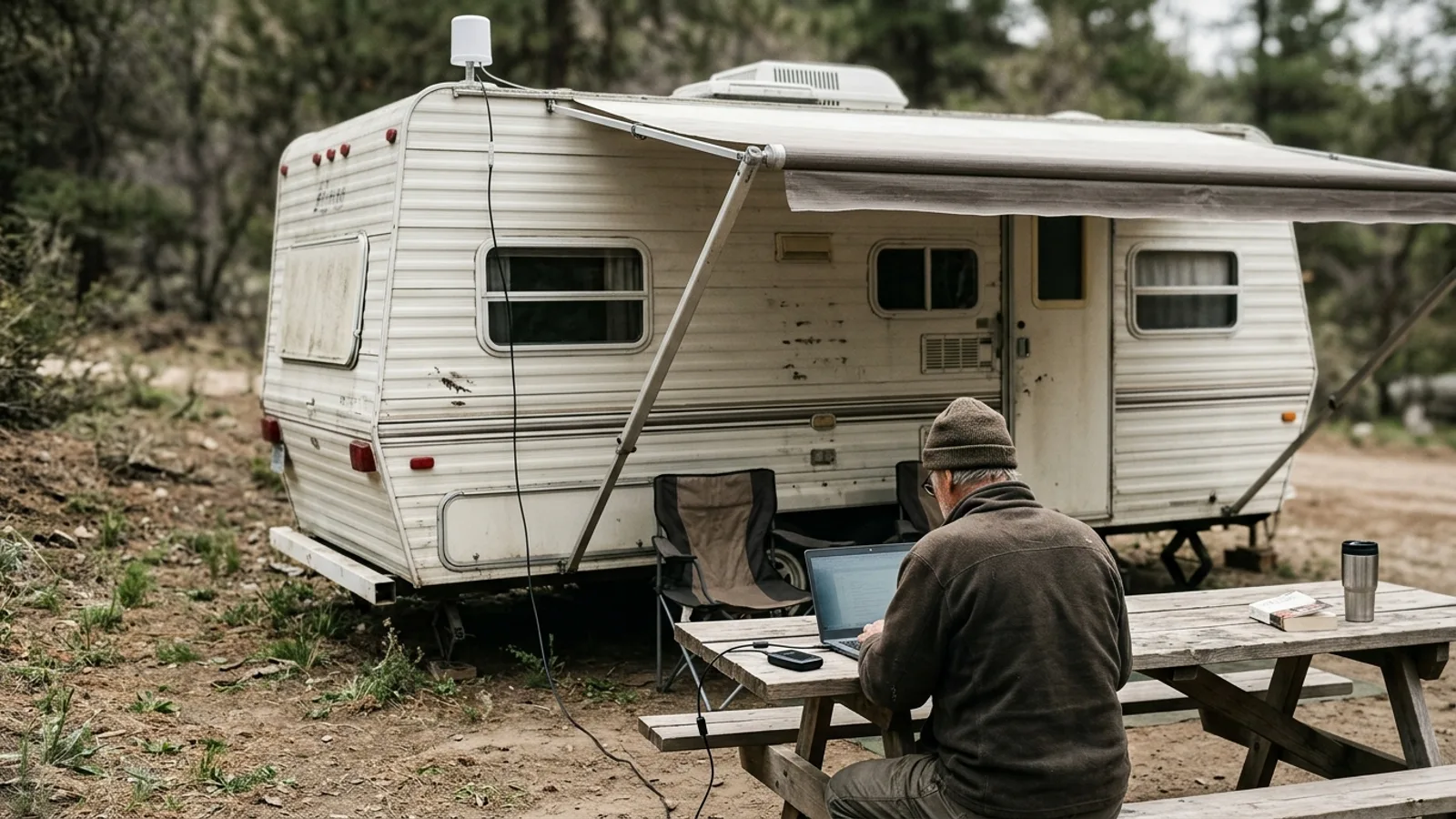
A dedicated router with an external, roof-mounted antenna will generally pull in a stronger and more stable signal than a phone or a small hotspot device sitting on a dashboard. This matters most in marginal signal areas, where the difference can mean the gap between a usable connection and none at all.
Data plans marketed as "unlimited" often still slow down after a certain amount of high-speed data is used in a billing cycle. Read plan terms carefully, since the practical speed after that threshold can be too slow for video streaming or calls.
Wi-Fi Extenders and Campground Wi-Fi
Many campgrounds and RV parks offer Wi-Fi, but the quality varies enormously — from fast and stable to unusable, depending on how many people are connected and how the park's infrastructure was built.
A Wi-Fi extender or booster can help pull in a weak campground signal from farther away or from a site at the edge of range. It cannot improve the underlying speed of the network you're connecting to. If the campground's own internet connection is slow or oversubscribed, an extender won't fix that.
Treat campground Wi-Fi as a supplement or backup rather than your main connection, especially if your work or communication needs are non-negotiable.
Satellite Internet
Satellite internet is the most reliable option for genuinely remote locations where cellular coverage doesn't reach at all. It works independently of cell towers, using a dish or terminal that communicates directly with satellites.
Some satellite systems require the dish to be stationary and aimed carefully, making them better suited to RVers who park for extended periods rather than move daily. Newer types of satellite terminals are designed to work while in motion or to be set up quickly at each stop, which makes them more practical for frequent travelers, though performance can still be affected by tree cover, weather, or terrain blocking the sky view.
Satellite plans often have their own data allowances and can involve more setup than cellular options, so weigh the added reliability in remote areas against the extra cost and complexity.
Free Public Wi-Fi
Libraries, cafes, visitor centers, and some public lands offer free Wi-Fi that can supplement other connections, particularly for large downloads or updates you don't want to use cellular data on. It's not something to depend on for regular work or communication, since availability and speed are unpredictable and hours are limited.
When using public Wi-Fi, avoid accessing sensitive accounts or entering financial information unless you're using a secure connection method, since public networks are more exposed to snooping than your own cellular data or home network.
Building a Redundant Setup
The most dependable approach for full-time travel or remote work combines more than one type of connection: a primary cellular plan, a second cellular plan on a different carrier as backup, and satellite internet for the times you're truly off the grid. Campground Wi-Fi and public hotspots then become a bonus rather than something you rely on.
This kind of redundancy costs more than picking a single provider, but it's what prevents a work day or trip from being derailed by one weak signal in one location.
Practical Tips for Better Signal
- Mount antennas or hotspot devices as high as possible on the RV — signal strength drops quickly near the ground or inside a metal-bodied vehicle.
- Check coverage maps for your carrier before committing to a remote destination, though treat them as estimates rather than guarantees.
- Ask camp hosts or fellow travelers about actual signal conditions in the area; real-world reports are often more accurate than maps.
- Keep a offline backup of important documents, maps, or work files in case you lose connectivity entirely for a stretch of your trip.
Choosing What's Right for You
There's no single best RV internet setup — the right choice depends on how often you travel, how remote your destinations are, and how critical constant connectivity is to your work or peace of mind. Occasional travelers can often get by with a phone hotspot and campground Wi-Fi. Full-time travelers and remote workers usually benefit from investing in a dedicated cellular plan, a strong antenna setup, and a satellite backup for the truly remote stretches.